Sketching out loud with AI
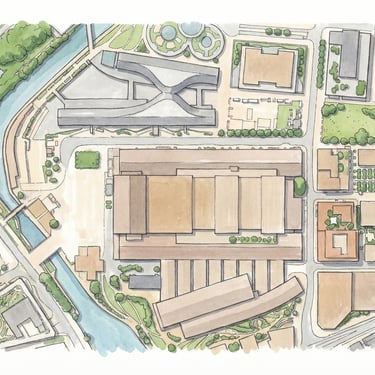
This course is designed for architects who want to combine digital sketching with generative AI to develop, test, and communicate design ideas more effectively. All participants start from a shared base file and progress through a structured workflow that supports rapid idea generation and iteration.
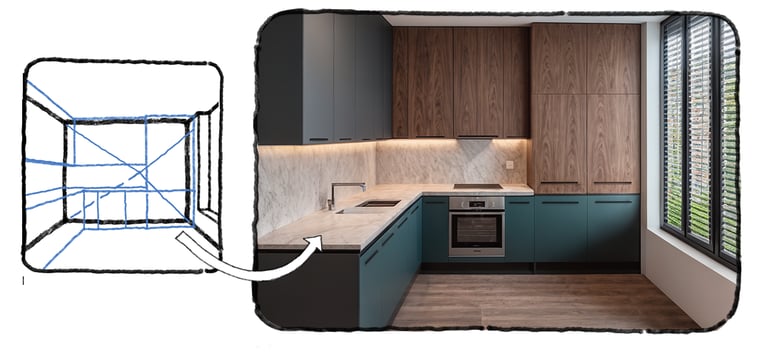
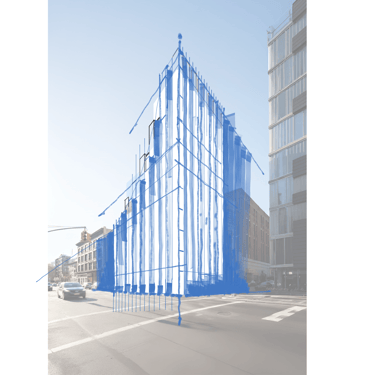
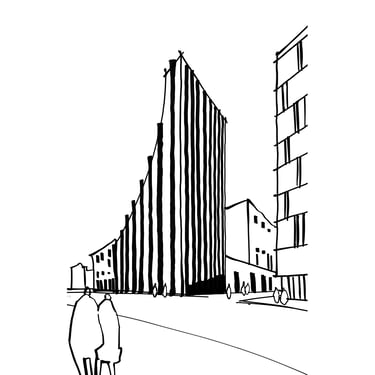
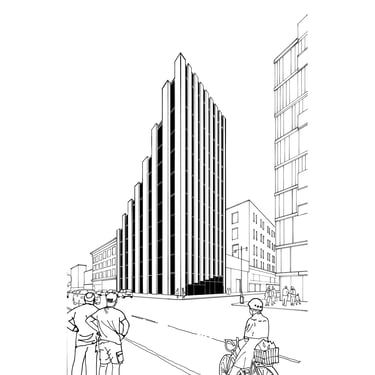
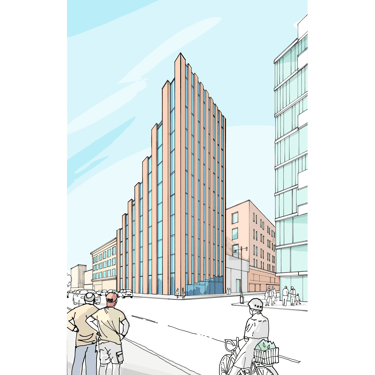
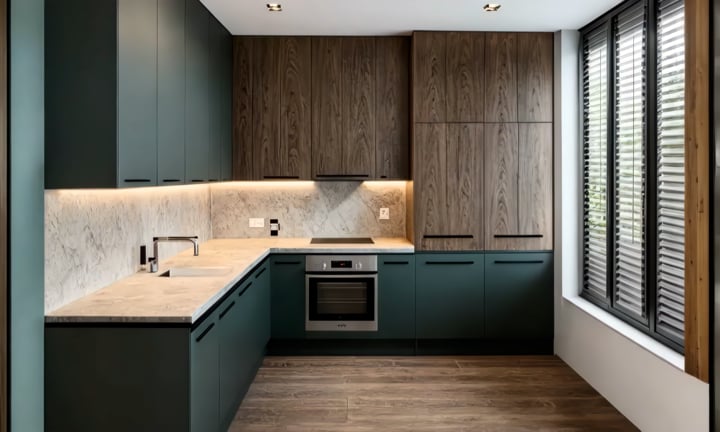
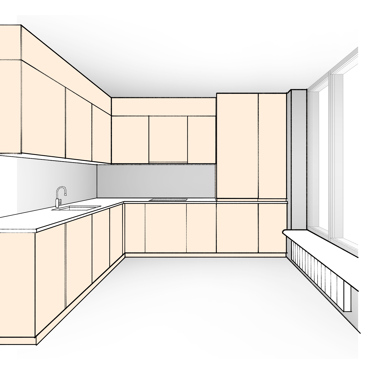
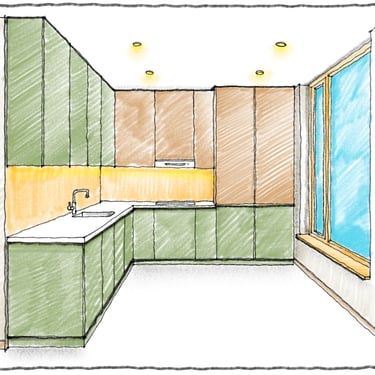
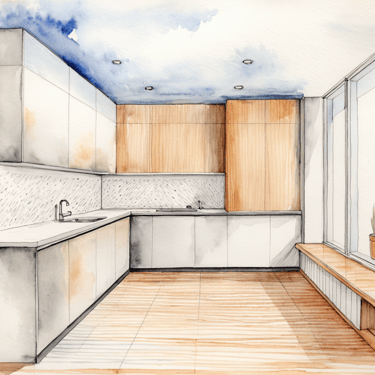
Each session introduces the core principles of digital sketching, from drawing to scale and vector based workflows to the use of grids, drawing aids, layers, and graphic styles. These skills form the basis for more advanced techniques, where sketches and illustrations are developed into high quality visual outputs using generative AI tools.
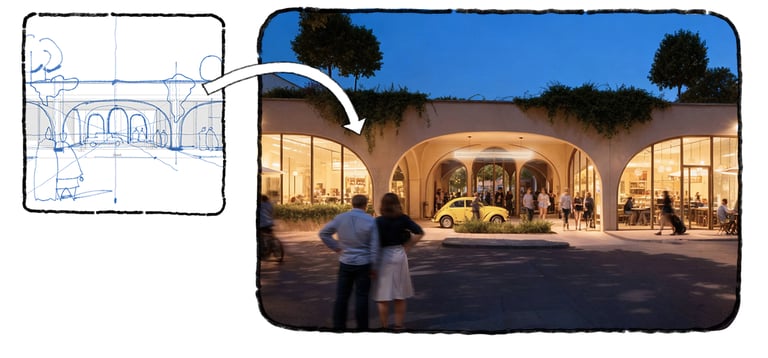
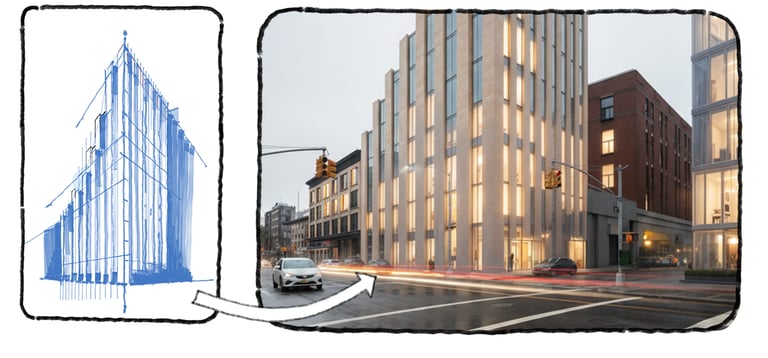
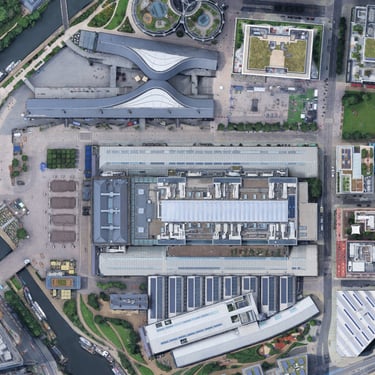
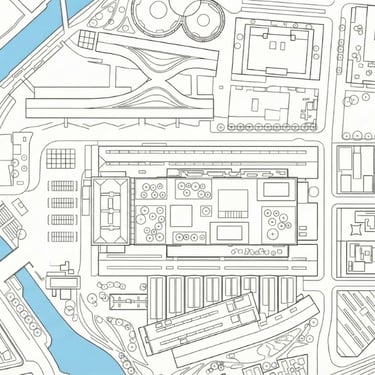
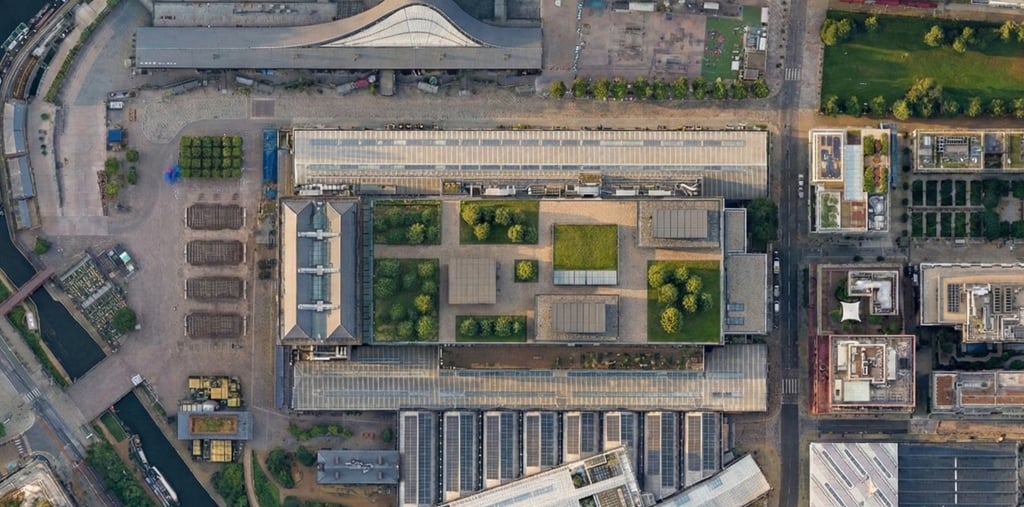
The course focuses on understanding how AI fits into the design process and when best to use it for maximum value. Participants are guided through the principles of AI assisted image generation, what types of results to expect, the capabilities and constraints of different platforms. Through hands on exercises, the course explores how AI interprets sketches, how outcomes vary between tools, and how designers can actively guide results while preserving design intent.
Designed for beginner to intermediate users, the course emphasises speed, clarity, and effective communication. By the end of the course, participants will have a robust and adaptable workflow that supports rapid concept development, visual testing, and confident presentation across a range of design scenarios and tools.
Prerequisites and recommended setup
To fully benefit from the course, participants should have the following prepared in advance.
Laptop capable of running design software
Adobe Photoshop installed
A tablet with stylus and basic familiarity with digital sketching
Concepts app installed and set up on the sketching device (provided with the setup guide)
Visoid account (provided with the setup guide)
Google Gemini or Google Gemini Pro account
Optional access to platforms - KlingAI, Flux1 or similar for animations
Course structure
Part 1 establishes the basic principles.
Introduction and course overview.
Prerequisites and course files.
Best practice guide and examples.
Use cases and practice.
Prep work for Part 2.
Part 2 goes through more advance workflows applied on examples.
Using reference images to guide AI results.
Image enhancements and upscaling worflow.s
Animation tools and best practices.
Case studies and common issues.
Open Q&A


Before starting, please download the starter files from the links on the side and follow the setup guide to ensure you’ve created your Concepts and Visoid accounts, unlocking all the features available in each app.


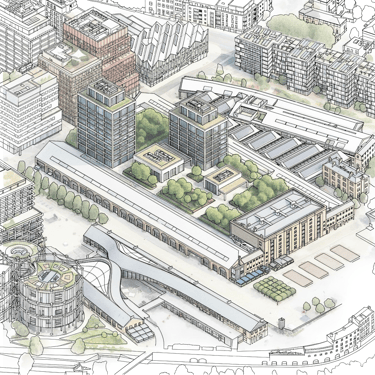


What will you learn in this course?
By the end of this course you will have:
A solid understanding of various vector-based digital sketching techniques.
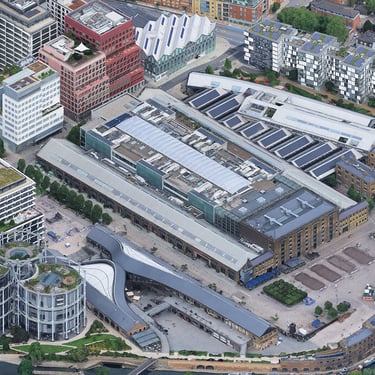
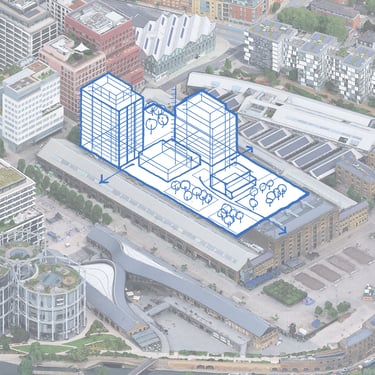
Hands-on experience using a tablet and stylus to sketch over external content,
explore ideas, and create illustrations.Use generative AI tools to transform sketches into visuals with different styles.
The ability to apply these skills across various contexts, and explore design options.

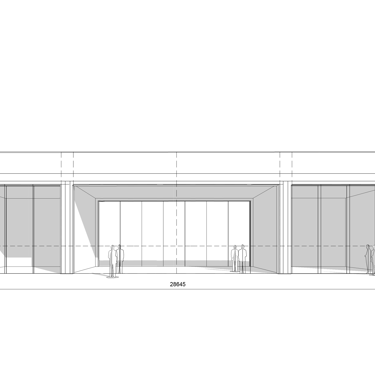
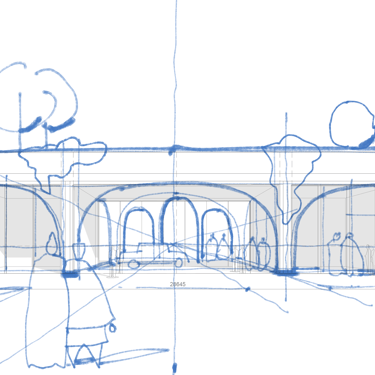
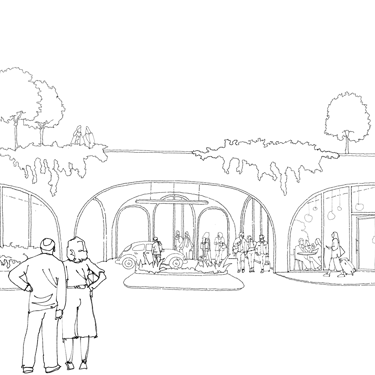





How is the course delivered?
The course can be delivered live either in person or remotely via video conferencing and is backed up online with videos accessible after enrolment.

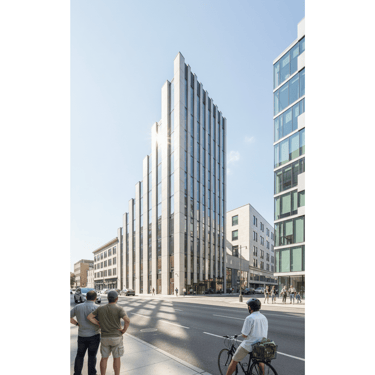

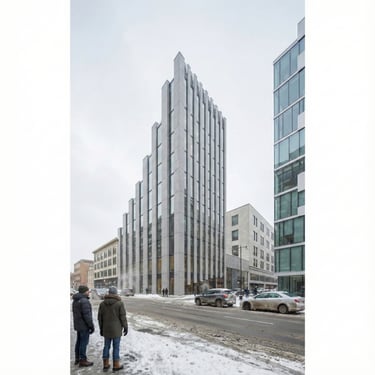
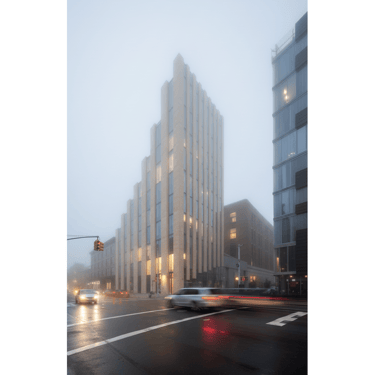
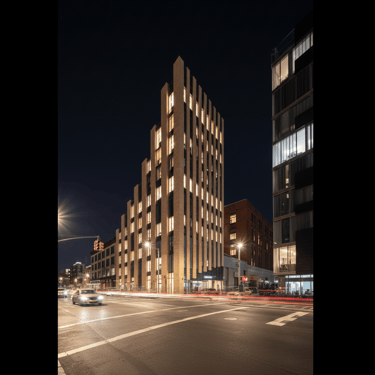
All our courses include:
Live or online lessons with the same tutors
The same course content and learning outcomes
Lesson recordings, for later review
Access to example gallery
Continuous support and feedback



Meet the tutor
Radu is an architect and a skilled digital sketch artist who expertly integrates freehand techniques with digital innovation and AI tools. Renowned for his effective teaching methods, he empowers designers by simplifying technical aspects and enhancing their sketching skills. He has delivered courses to leading engineering, design firms and Universities in London, including RIBA Incubator, Westminster University, Buro Happold, Arup, and Heatherwick Studio.
Please note that all courses are taught in UK time